
Steam profile comments are messages other users leave on your profile. Players use them to say thanks after a match, compliment a teammate, arrange another game or leave a greeting. A conversation on the page makes a profile feel active and gives visitors a sense of the person behind the nickname.
Here is what +rep means, some comments you can adapt, and how to get messages on your own Steam profile.
What does +rep mean on Steam?
+rep is short for positive reputation. Players write it to express a positive opinion of the profile owner. It might refer to a good teammate, a helpful player or someone they enjoyed trading with.
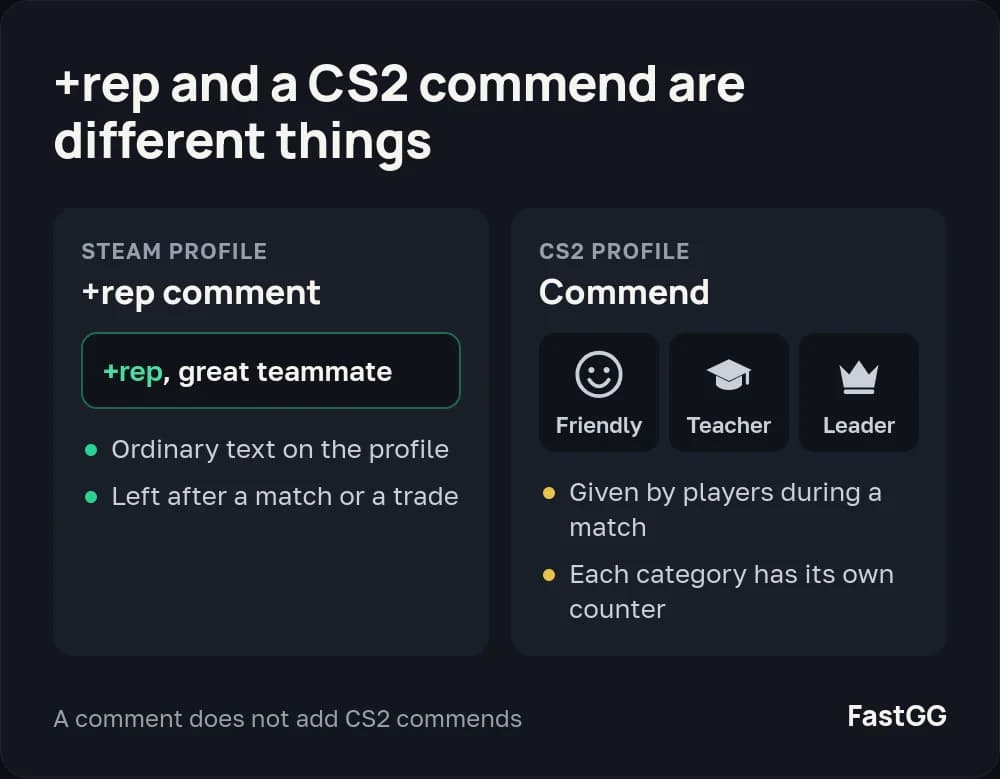
There is no special +rep button involved: it is ordinary comment text. The writer often adds a reason, such as +rep, great teammate. The opposite, -rep, expresses a negative opinion.
A +rep comment is not a CS2 commend. Players give commends during a match in three categories, Friendly, Teacher and Leader, and each one adds to that category's counter on your profile. If those counters are what you want to grow, you can get commends for your CS2 profile from FastGG.
Steam comment examples
A short comment works best when it gives the reader a reason for the compliment. Mention the game you played together, a helpful call or a moment you remember.
What you want to say | Example |
|---|---|
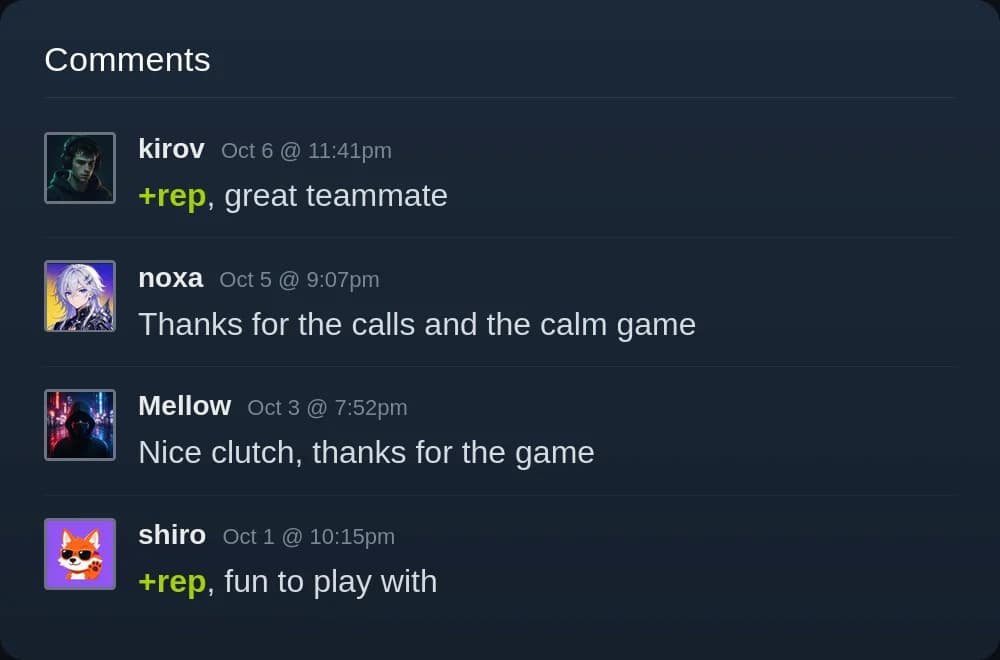
You enjoyed playing together | +rep, great teammate |
Their communication helped | Thanks for the calls and the calm game |
They won a memorable round | Nice clutch, thanks for the game |
They were pleasant to play with | +rep, fun to play with |
You want another match | Let's play again! |
Use these as starting points and adjust the wording to fit the person. A single sentence is enough for a quick message. You can write in English or use the language you spoke during the game.
How to leave a comment on a Steam profile
Open the player's Steam profile and find the comments section. If posting is available, enter your message and submit it. A +rep comment goes in the same box as any other message; you do not need a command or a separate service.
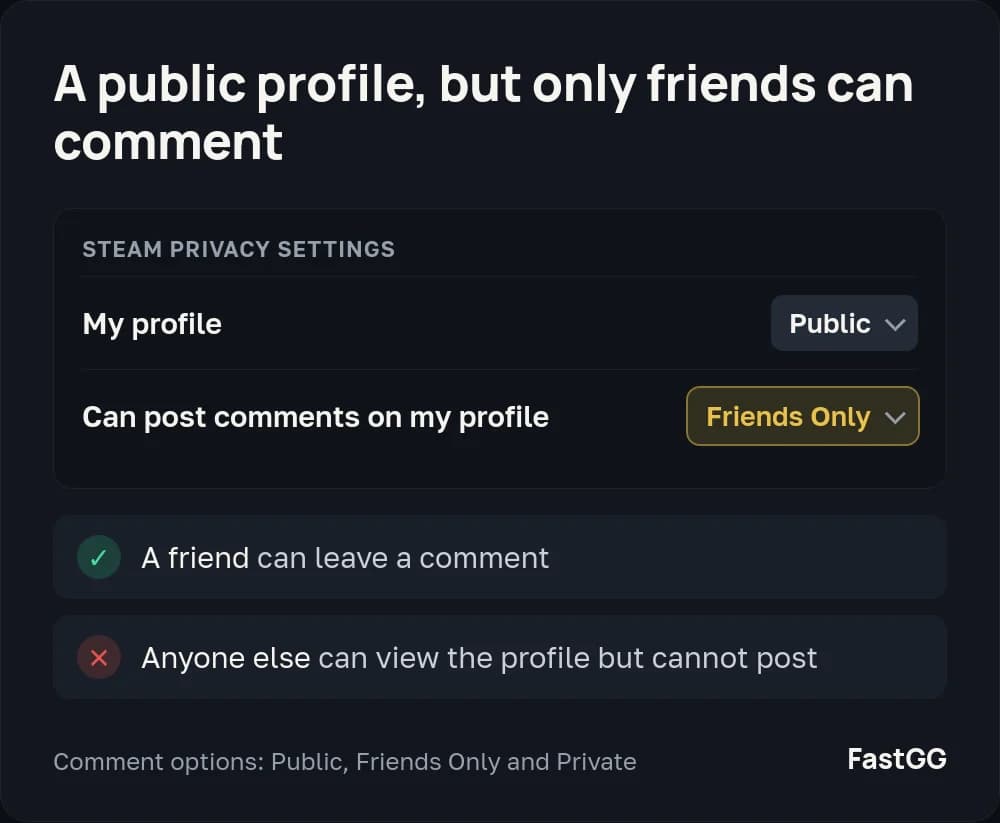
If you cannot post, the profile's privacy settings may be the reason. The owner controls who can leave messages, so a public profile does not necessarily let everyone comment.
The privacy options themselves are covered in how to turn comments on or off on your Steam profile.
Why profile comments matter for Trust Factor
Comments help shape a visitor's first impression. Messages about matches and conversations show activity around the account. On a new profile, they turn an empty section into a history of interaction with other players.
Positive comments also help improve Trust Factor in CS2. Comments from active accounts strengthen the profile's reputation and boost its Trust Factor. Our guide to Trust Factor explains what it is and how to check it.
How to get comments on your Steam profile
You can build up comments through games and conversations: help teammates, stay in touch after a good match and invite people to play again. You can also ask someone you played with to leave a few words about the game.
If you want to fill your profile without waiting, you can buy Steam profile comments on FastGG. They come from real accounts with game libraries, inventories and account history. You choose the wording in any language, or generate text for your preferred topic.
You only need to provide a profile link; no Steam password is required. The service page has the packages and delivery options. Use the examples above to decide what kind of messages you would like on your profile.