
Trust Factor is a hidden account assessment used in CS2 matchmaking. It helps the game decide which players to put together. You cannot view the exact value, but you can understand the game's warnings and check the information available about your Steam profile.
What does Trust Factor do?
Valve introduced Trust Factor in CS:GO in November 2017. Counter-Strike 2, released in September 2023, also uses it. The system considers a player's history when forming matches.
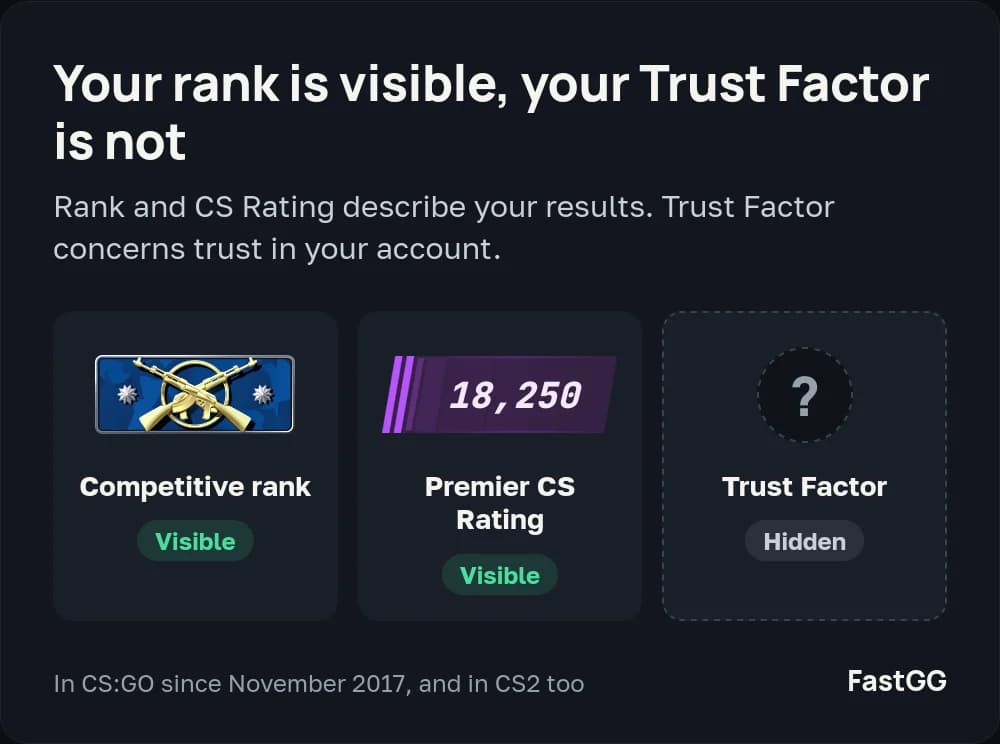
Your Competitive rank and Premier CS Rating describe your results. Trust Factor concerns account trust. A high rank therefore does not explain or rule out a Trust Factor warning.
When you queue as a party, matchmaking uses the lowest Trust Factor in that party. If a warning appears after a particular friend joins, that matters for the group's next match. It does not establish that your own Trust Factor has dropped.
What affects Trust Factor?
Valve considers account history across Counter-Strike and Steam. It does not publish the full list of factors or their weights, and the system changes over time.
The official Trust Factor FAQ recommends legitimate play and positive participation in the community. These give the system more history to work with. It also discusses Prime, phone numbers and in-game experience.
Being new to CS2 does not automatically mean low Trust Factor. An established Steam history can matter before you have played many CS2 matches. The account's registration date alone does not tell you what its matchmaking will be like.
Green, yellow and red Trust Factor
Players use these colours to describe lobby warnings. The messages compare accounts in that particular party.
What you see | What it tells you |
|---|---|
Yellow warning | The named player has lower Trust Factor than the person seeing the message. Matchmaking may be affected. |
Red warning | The difference is substantial, with a stronger warning about its effect on the match. |
No warning, often called green Trust Factor | No warning appeared in that lobby. This does not reveal an exact score or prove high trust. |
For example, two players with similarly low trust may see no warning about each other. Neither account becomes a reliable high-trust reference just because the message is absent.
How to check your Trust Factor in CS2
Check for a lobby warning
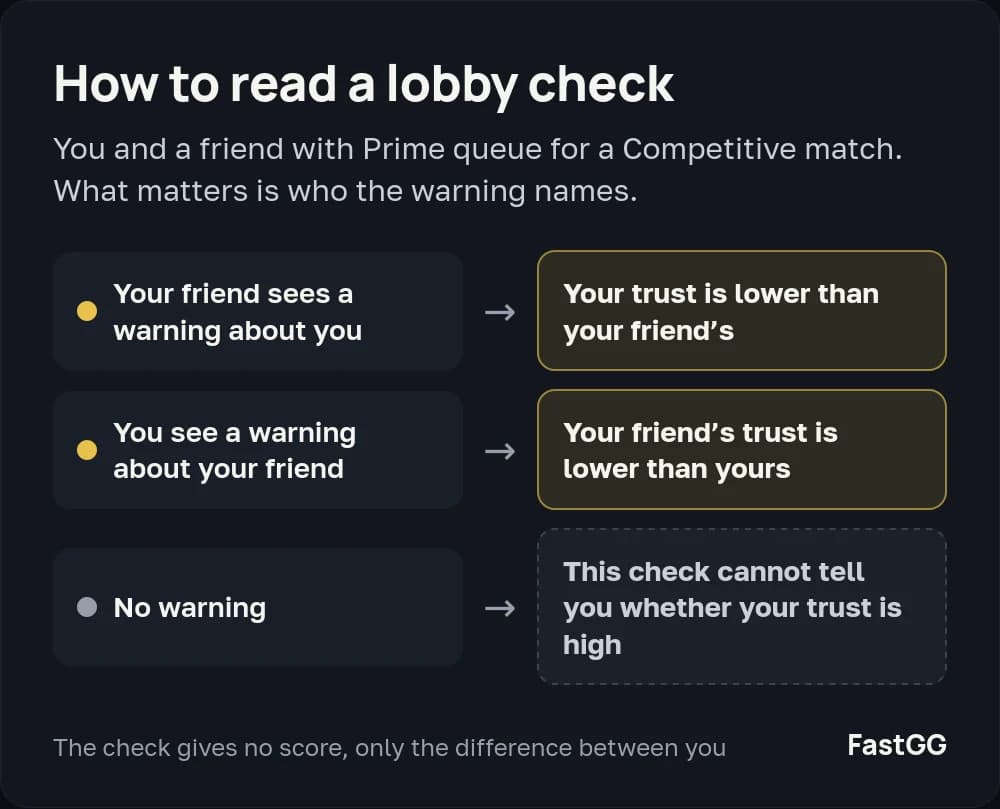
Join a friend who has Prime, using your own Prime account, and start queueing for a Competitive match. Ask your friend whether a warning names your account. Check the messages on your side too: which player is named matters.
A warning about you tells your friend that your Trust Factor is lower than theirs. No warning does not prove that your trust is high. Repeating the check with the same party makes observations easier to compare, but still gives no numeric score.
Check your Steam profile online
The FastGG Trust Factor checker assesses an account using available Steam data. A free basic check is a starting point for looking at your profile. The checker assessment is separate from Valve's hidden value; it does not read an internal score from the game.
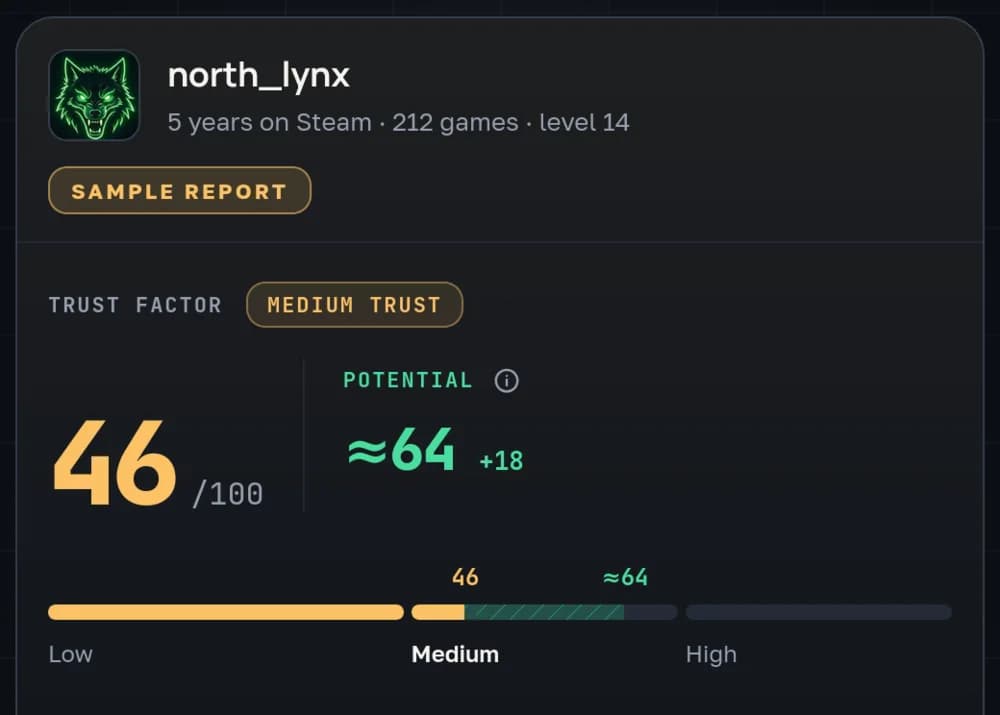
The two checks answer different questions. A lobby warning compares players, while an online profile check assesses the available account data.
What if your Trust Factor is low?
Keep playing fairly, support your team and build activity on your Steam profile. CS2 commends, Steam hours and profile comments raise Trust Factor and account activity. FastGG offers CS2 commends, Steam hours boosting and Steam profile comments.
For a practical plan, read why Trust Factor drops and how to restore it. That guide covers what to address first and what to expect when checking for changes.
Frequently asked questions
Can I see my exact Trust Factor on Steam?
There is no public Trust Factor value. Visible playtime and commend counts are separate account details, not numbers you can add up to calculate it.
Why do I get a warning with one friend but not another?
The message depends on the difference between accounts. The same player can have lower trust than one friend and similar trust to another.
Does Prime mean green Trust Factor?
Prime and Trust Factor are related, but Prime does not display your current trust level. Trust Factor warnings can appear between Prime accounts.
Does a bad match always mean low Trust Factor?
No. The available players also depend on your region, the time you queue and the maps selected. One poor match is not enough to identify the cause.