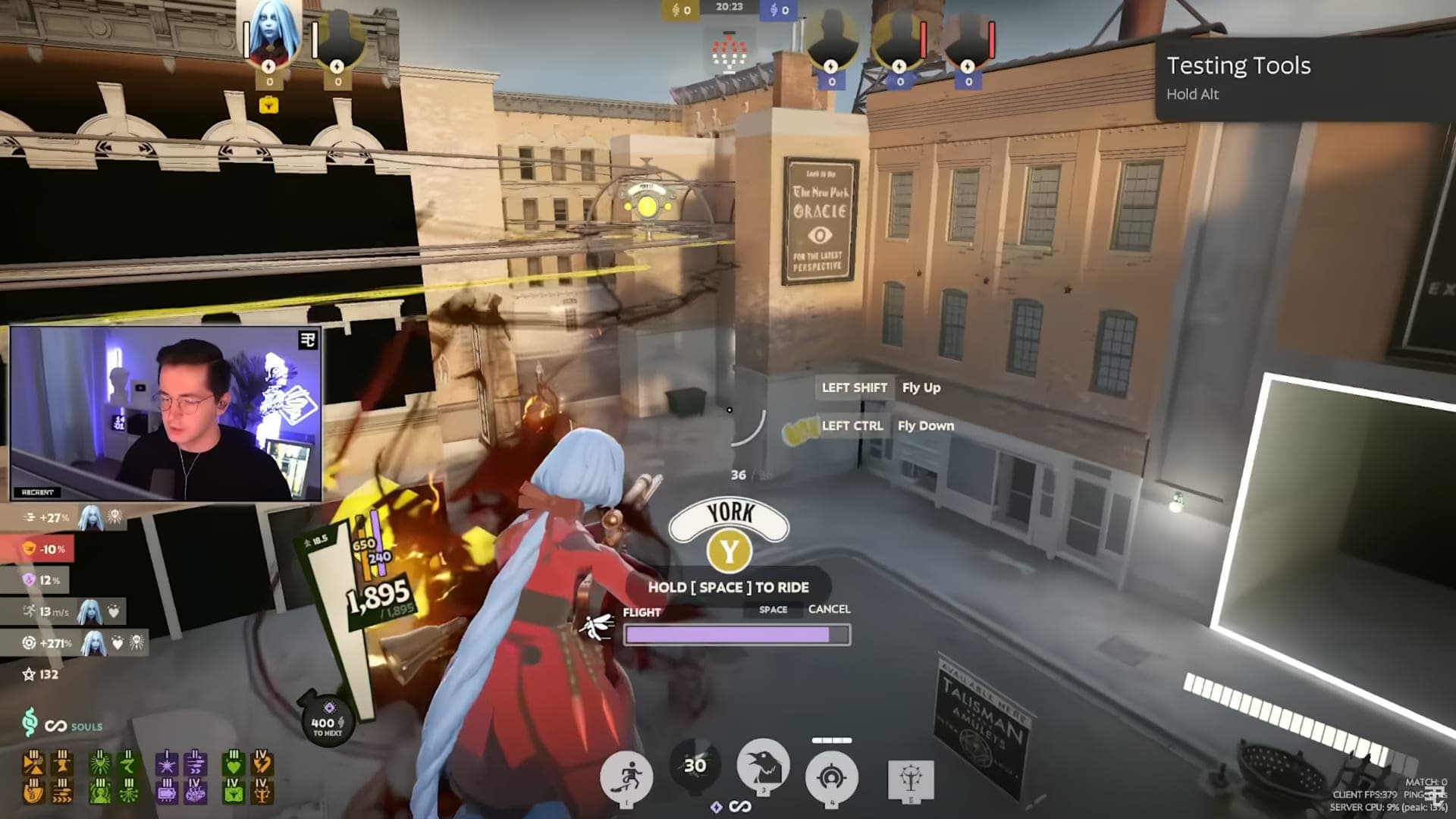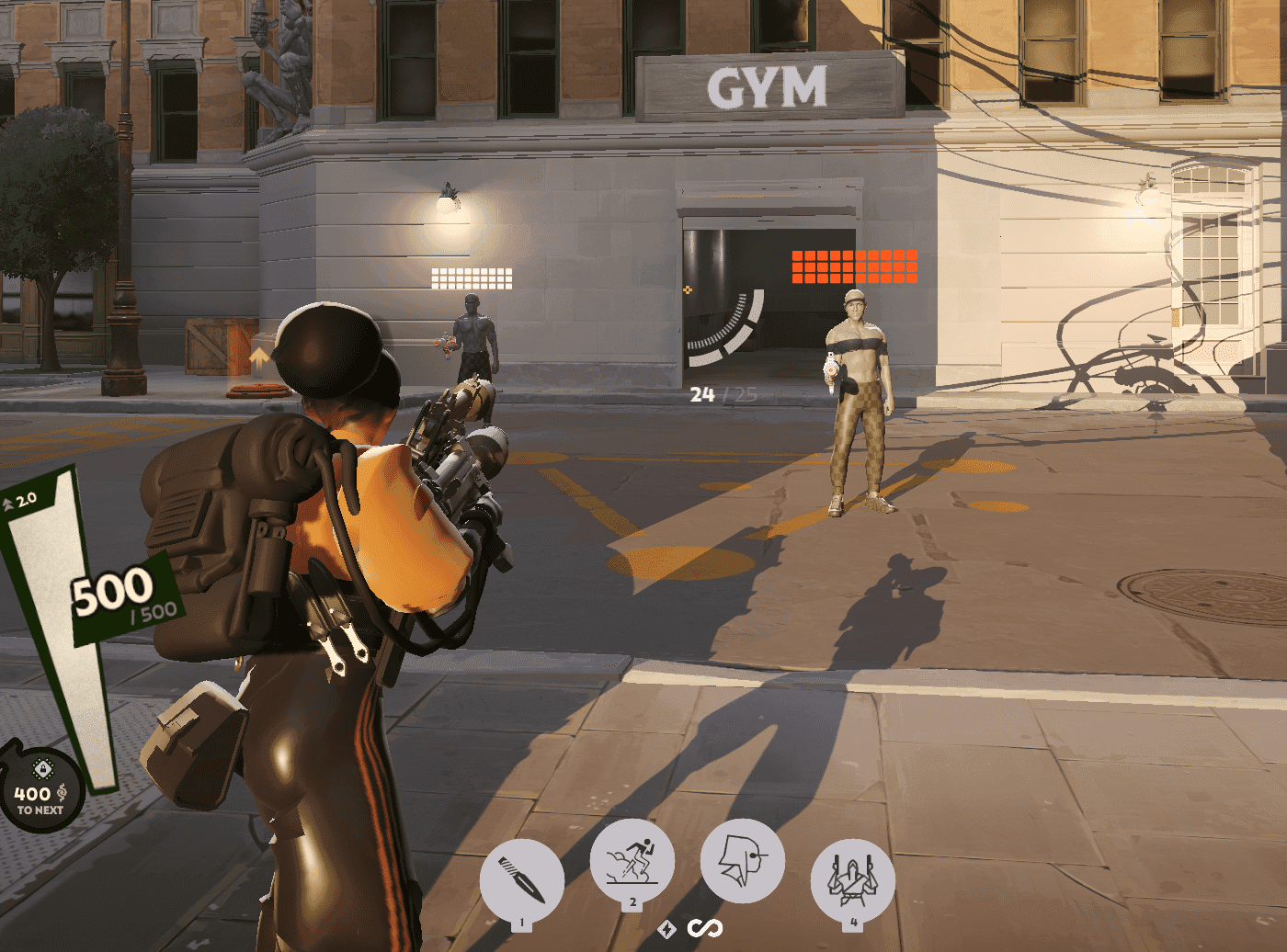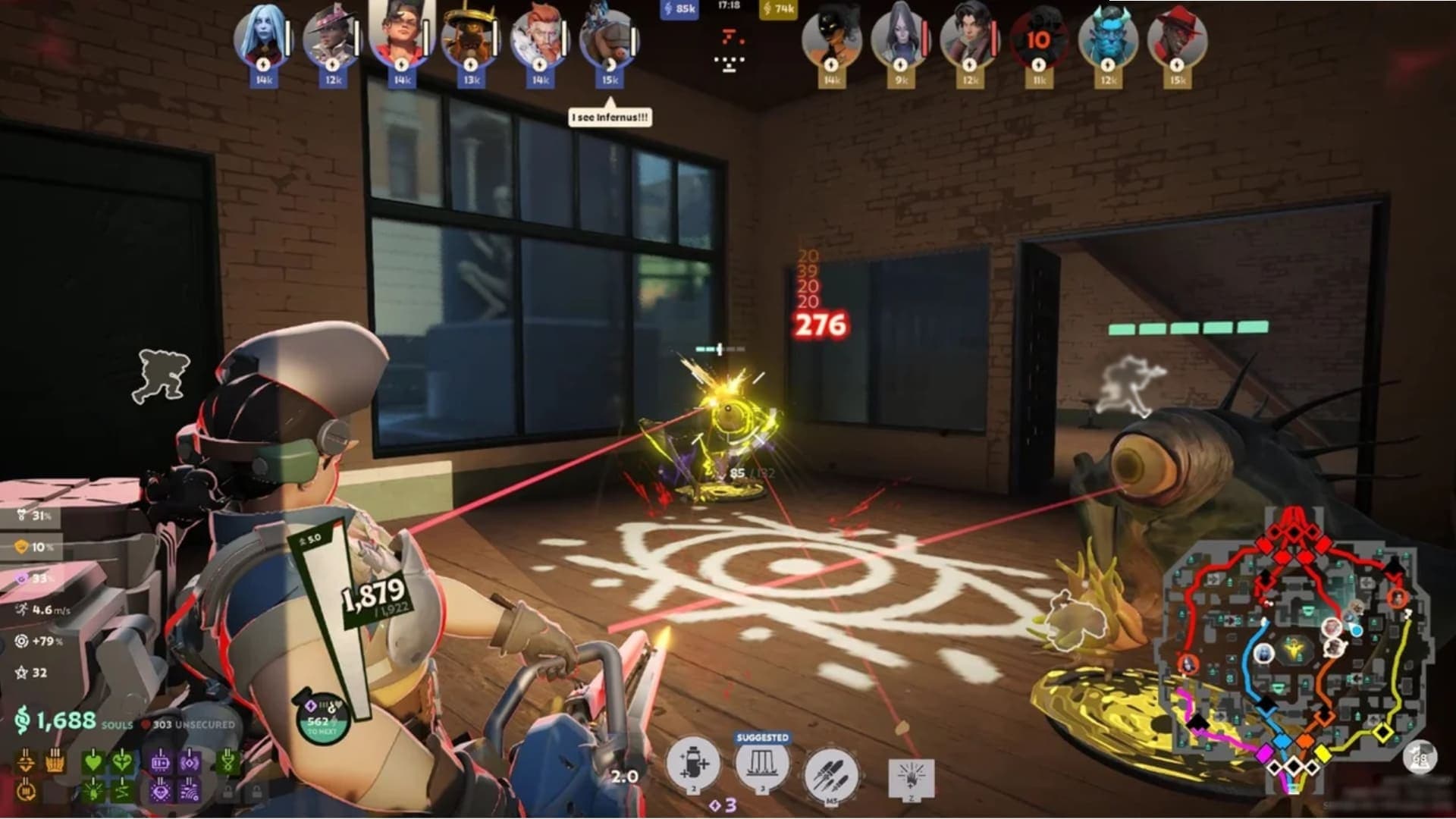
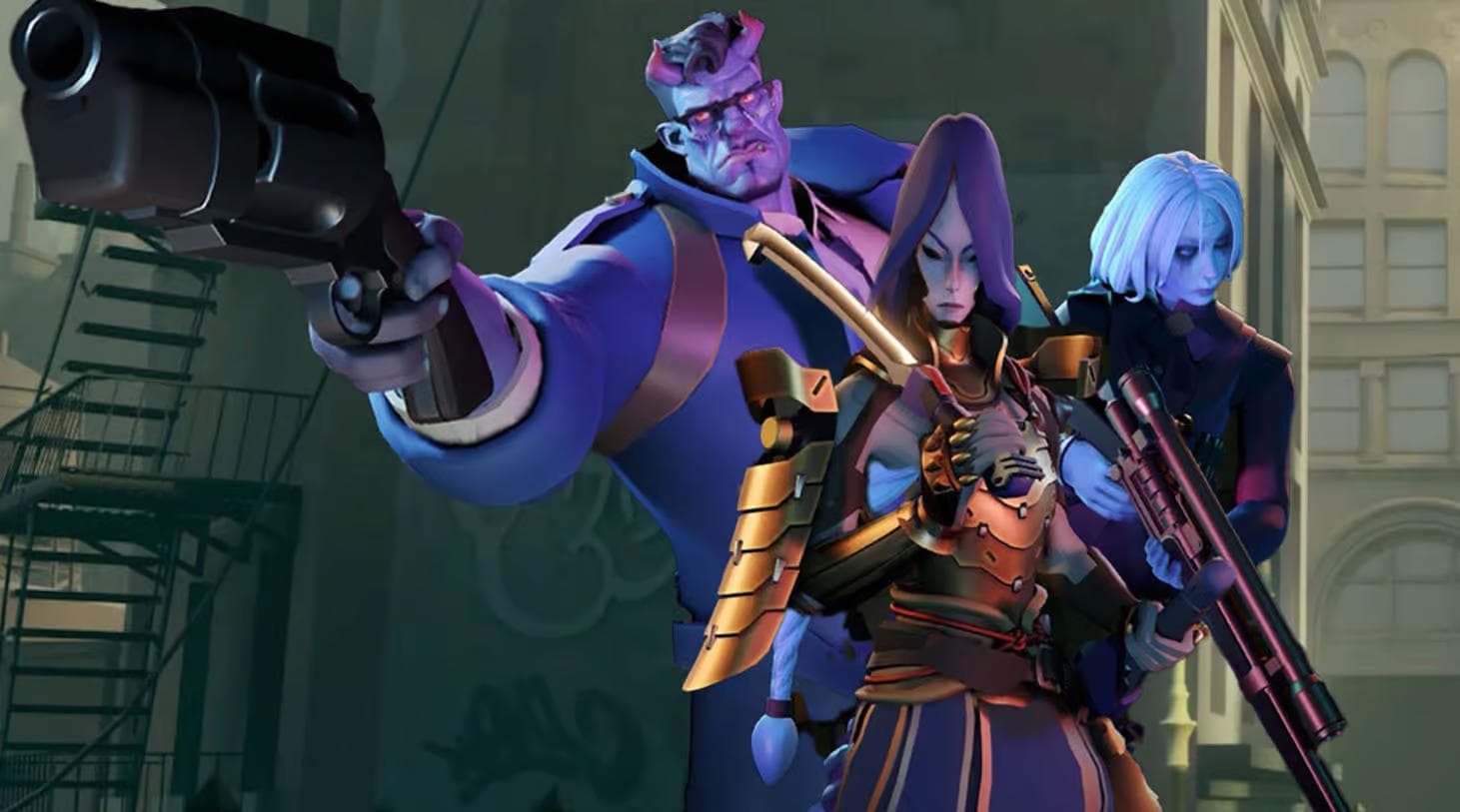
A simple, quick way to change the Deadlock main menu background in a couple of clicks.
- Open your Steam library and find Deadlock.
- Right-click it and choose Properties.
- Then go to Installed Files and click Browse.
- You are now in the game folder. Go to game/citadel/panorama/videos/main_menu.
- The folder holds 2 files, Intro and Loop. All you have to do now is drop your own video in (webm format only) and rename it to the name of the loop file (right now that is "menu_streets_loop2.webm").
- Done! You can launch the game and look at the result.
A few tips for changing the background in Deadlock
- If your video is not in WebM format, convert it to WebM with a video converter. Simply renaming the extension to .webm does not change the file’s contents or format;
- You can try changing the Intro file too, the 3-second video that plays on launch. Do everything exactly the same way;
- Use a small video for a trial replacement: a larger file does not guarantee a better-looking background;
- Keep a copy of the original file before replacing it so you can restore the previous background. Deleting files is not a verified way to make the game load faster.
So why change the background in the Deadlock menu at all?
An extremely simple question with an equally simple answer: because you feel like it=)
If you want to swap the default background for something pretty or something funny, this is the best and simplest way to change the background in Deadlock.