A useful crosshair stands out against the map without covering the target. Start with its shape, size and colour. Valve added built-in crosshair customisation to Deadlock in the 15 August 2024 update, so the console should not be treated as the only option.
If you want more Deadlock hours on your Steam profile, our Steam hours boost for Deadlock runs the game on a server, so your computer can stay off.
The popular Deadlock crosshair
Most of the time crosshairs look like this:
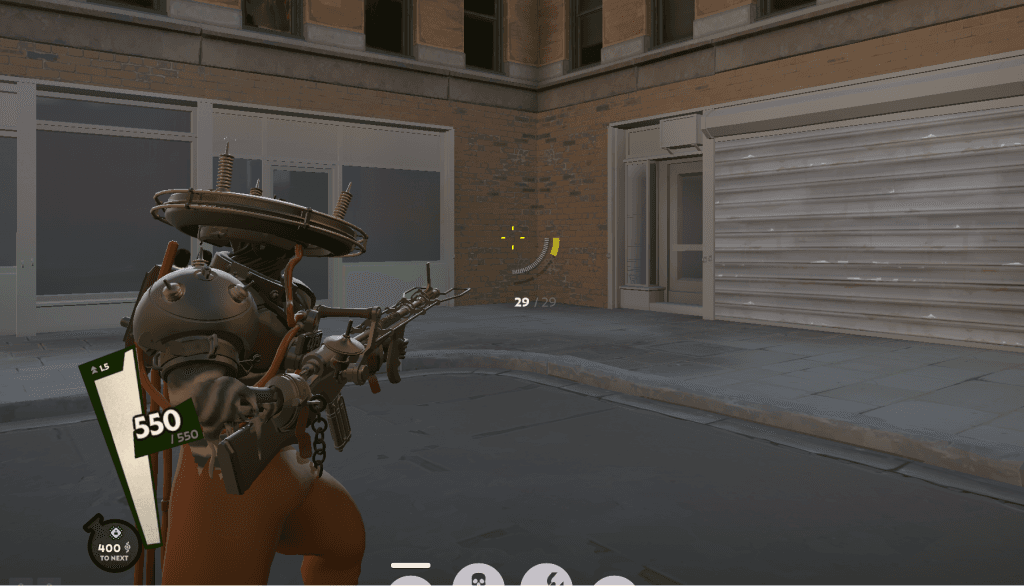
Start with Deadlock's in-game crosshair settings. Use console commands for values the menu does not offer.
How to build a good crosshair in Deadlock
To set the crosshair up, open the game console (F7 by default) and enter the following commands:
citadel_crosshair_pip_gap -5 — changes the gap between the crosshair lines.
citadel_crosshair_pip_width 7 — sets the width of the lines.
citadel_crosshair_pip_height 1.000000 — sets the height of the lines.
Those three commands cover the basic setup for a comfortable, accurate crosshair. You can experiment, though, and tune the values to your own taste.
Examples of good Deadlock crosshair settings
Here are a few popular crosshair configurations that players use:
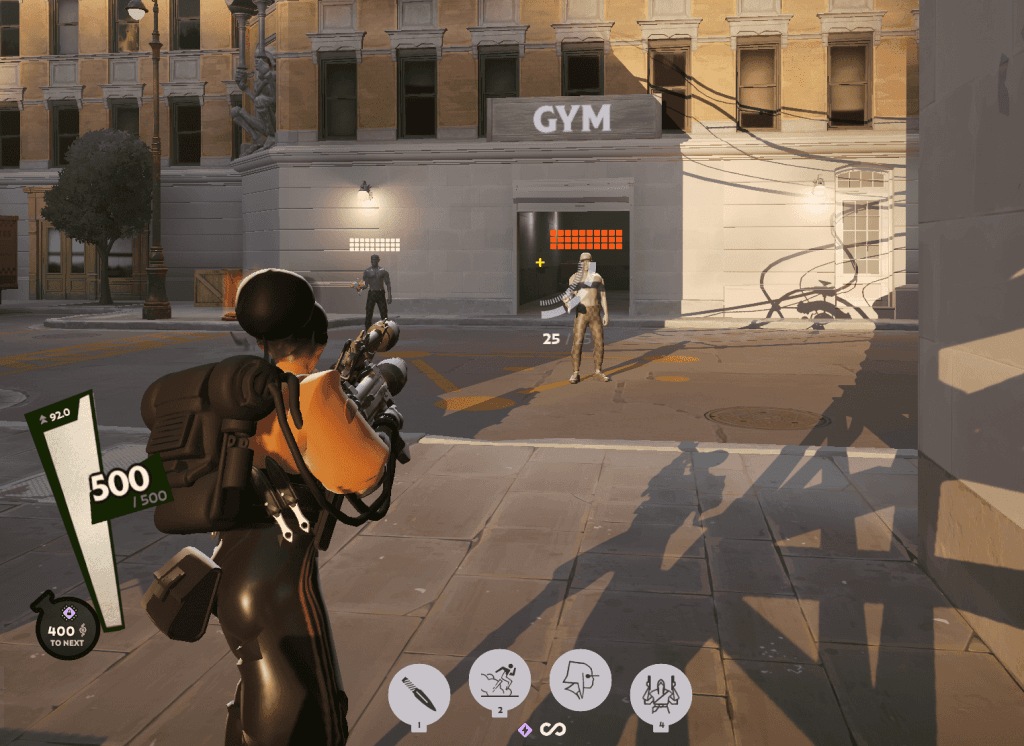
A plus-shaped crosshair:
citadel_crosshair_pip_gap -5
citadel_crosshair_pip_width 2
citadel_crosshair_pip_height 4.72
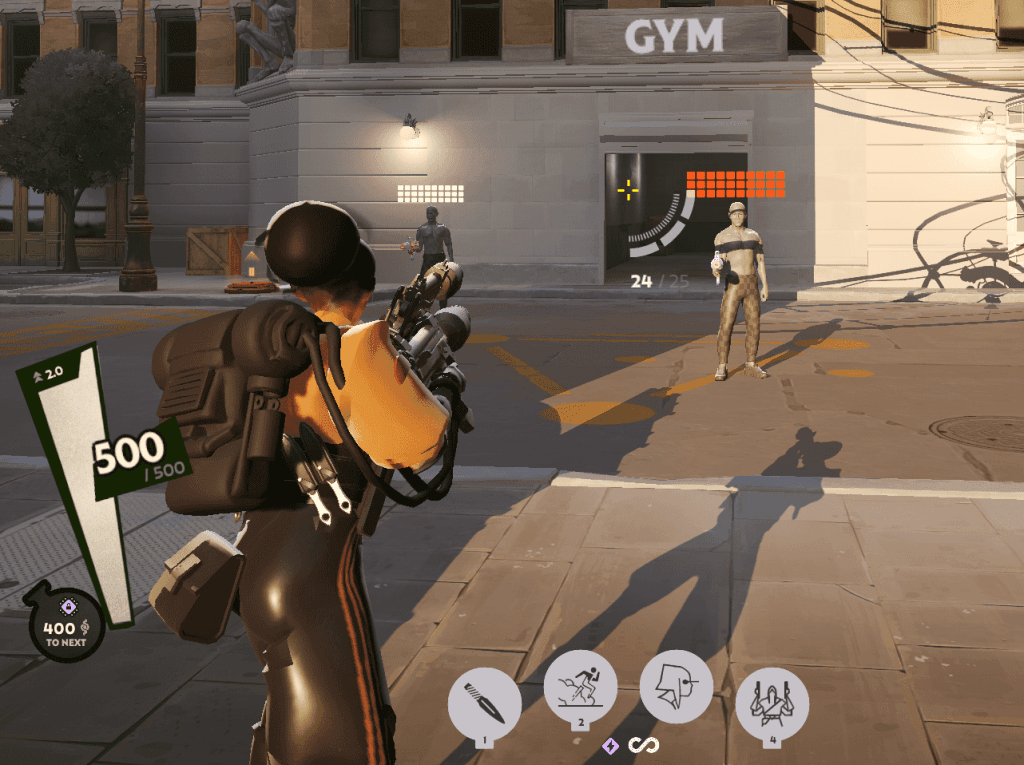
A CS-style crosshair:
citadel_crosshair_pip_gap -2
citadel_crosshair_pip_width 2
citadel_crosshair_pip_height 6
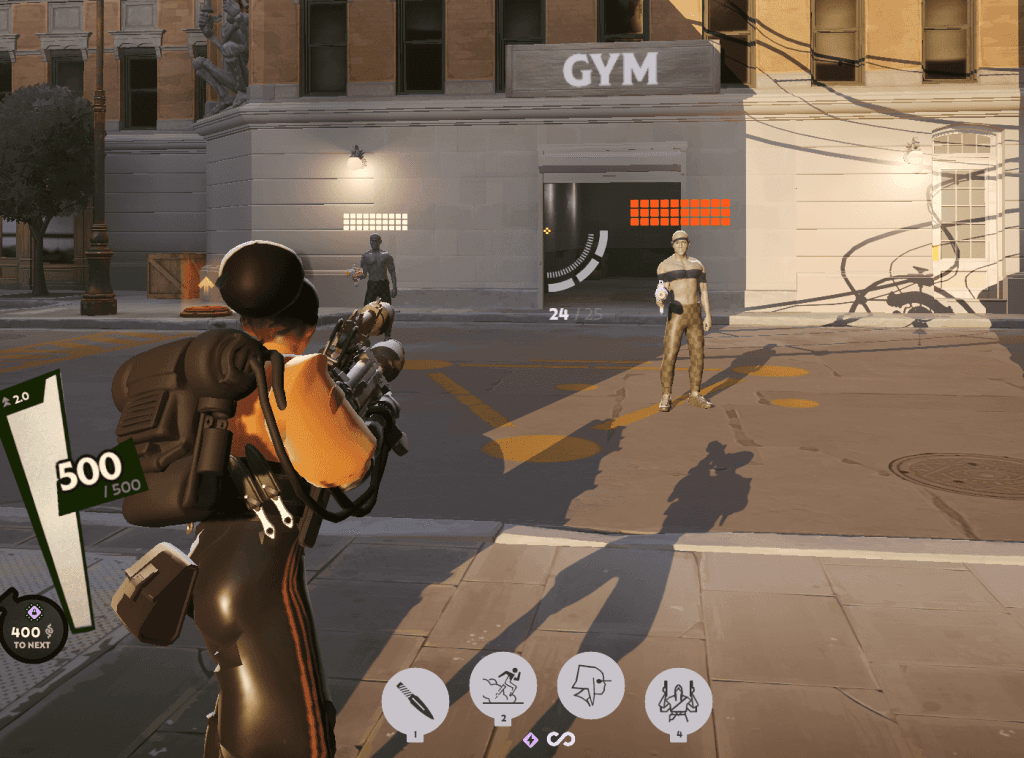
A small crosshair:
citadel_crosshair_pip_gap -5
citadel_crosshair_pip_width 2
citadel_crosshair_pip_height 2
A square crosshair:
citadel_crosshair_pip_gap -5
citadel_crosshair_pip_width 6
citadel_crosshair_pip_height 2
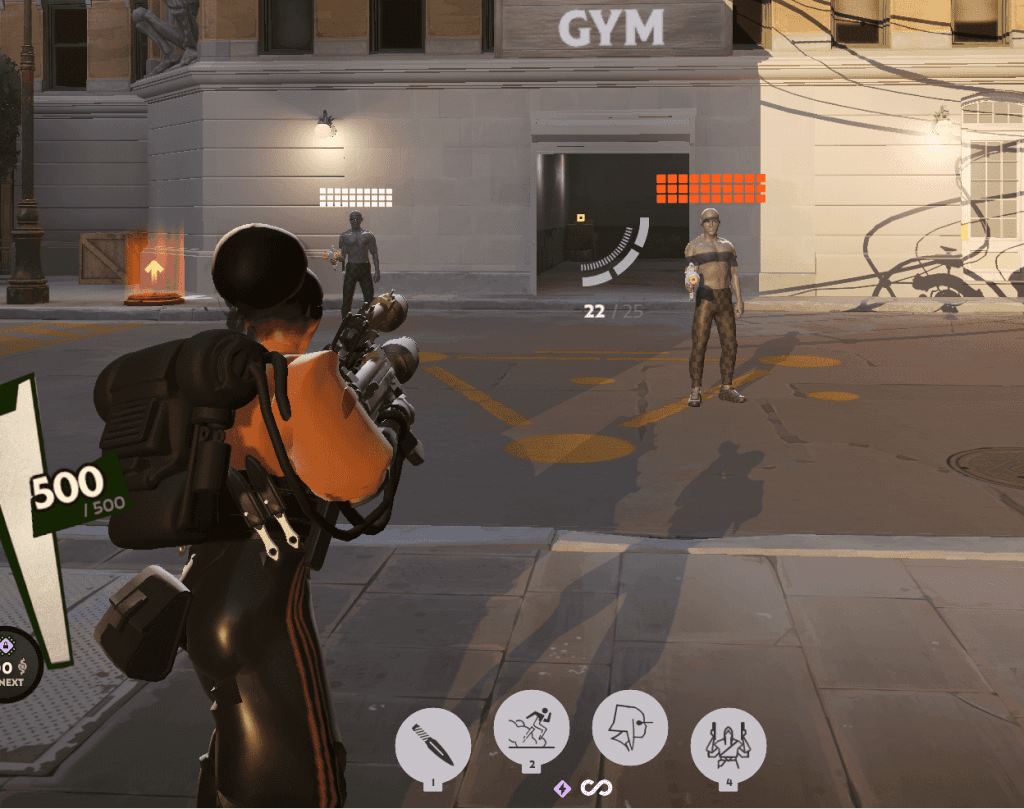
Extra settings for the perfect crosshair
In Deadlock, how accurately you shoot depends not only on the shape of the crosshair but on its colour and transparency too. You can set those in the Settings section, and it will let you see the crosshair better against the various scenes in the game.
Try these values:
Colour: in Deadlock you can set the crosshair colour with RGB sliders. That helps the crosshair stand out against different backgrounds. Popular colours:
Purple: RGB (255, 0, 255)
Lime: RGB (0, 255, 0)
Yellow: RGB (255, 255, 0)
Transparency: you can set the transparency of the crosshair lines, of the centre dot or of their outline. That helps cut distraction and keep your focus on the target.
Conclusion
Compare the crosshair against light and dark backgrounds: it should stay visible without covering the opponent. Change one setting at a time so you can tell which adjustment makes it more comfortable.