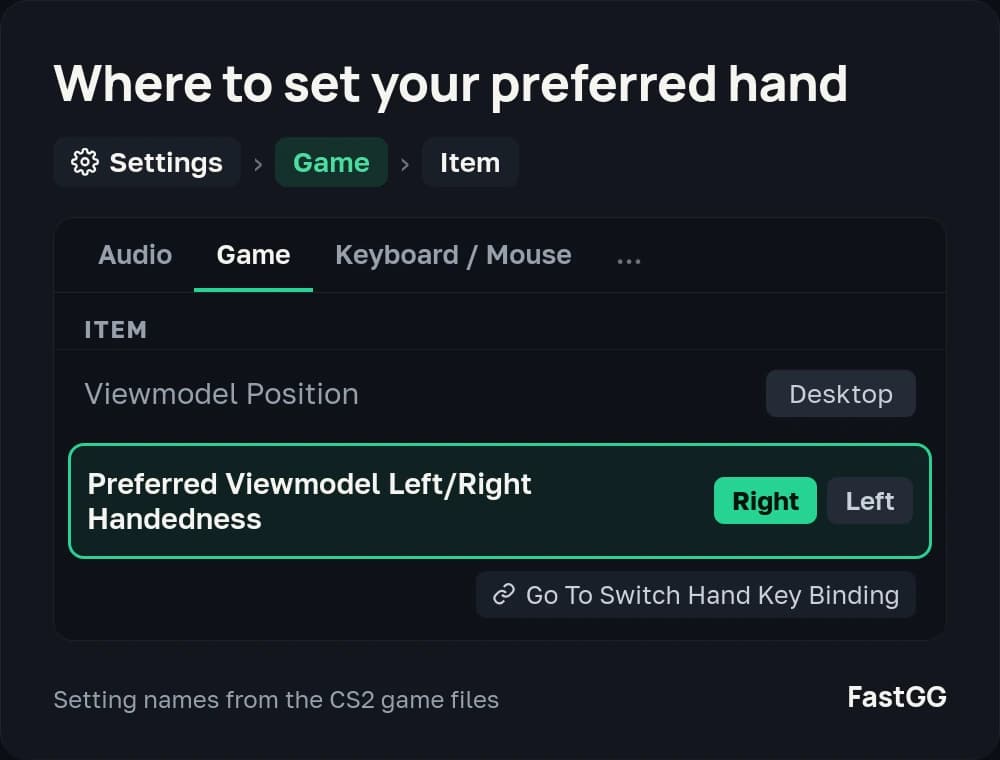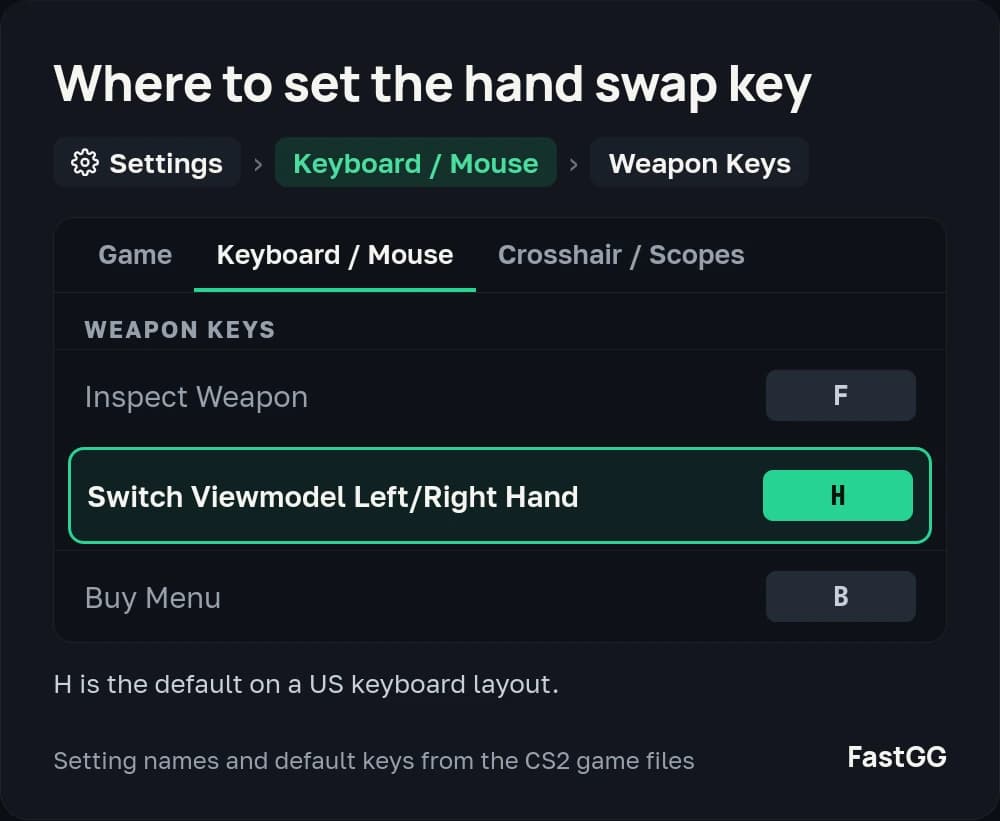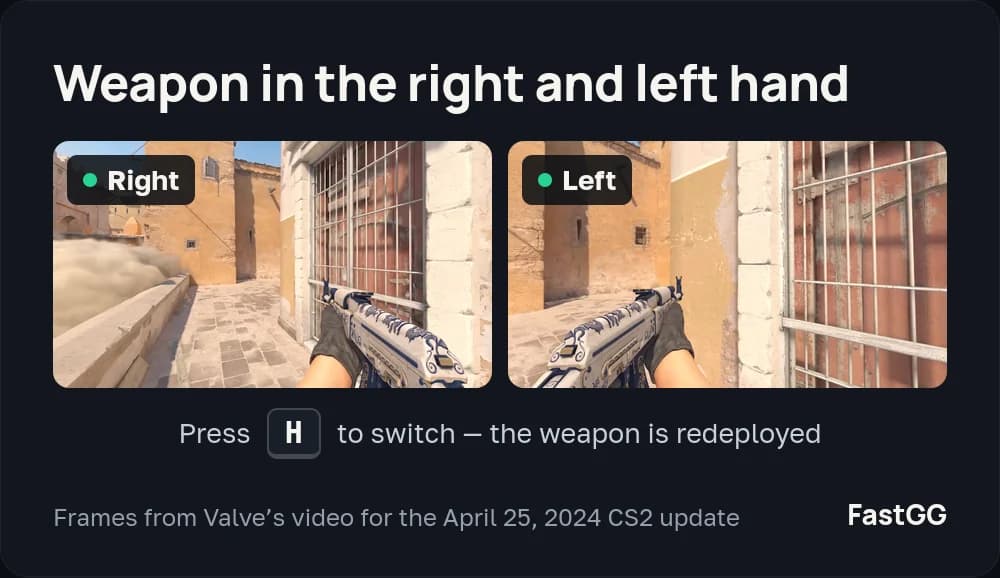
CS2 already has a hand swap built in! By default it is the H key
How to bind the hand swap in CS2
If for whatever reason you have decided to swap which hand holds the weapon, this article will definitely sort you out.
All you need is a little time, the console open in the game and a couple of minutes to read this through.
This hand-swap bind in CS:GO is the easiest way there is to set weapon placement.
How to pick the hand in CS2
If all you want is to switch hands in CS:GO, a single command is enough - and it really is the easiest way!
Open the console in game and enter the following command:
cl_righthand 1 - the character holds the weapon in the right handcl_righthand 0 - the character holds the weapon in the left hand
The hand changes the moment you enter the command. If you want to change it again, type the command back in and flip the value (if it is on 1, put 0, and the other way round). Exactly as in the example above.
A CS2 bind that switches to the right hand on a key press
If you want the hand to change when you press a key, all we have to do is add bind to the same command.
It looks like this:
Open the console and enter the command:
bind "mouse4" "cl_righthand 1" - pressing Mouse4 moves the weapon to the right hand.

Now, whenever you press mouse4 (or whichever key you bound), the hand switches to the right. So you can bind the left and the right hand to two different keys and alternate between them, if that is what you need.
A bind that switches to the left hand on a key press
To move the weapon to the left hand on a key press, the same command will do, just with a different value.
Open the console and enter the following:
bind "mouse4" "cl_righthand 0" - now pressing Mouse4 moves you to the weapon in the left hand.

Now, whenever you press mouse4 (or whichever key you bound), the hand switches to the left. If you like, you can bind two different keys and alternate the weapon placement in game.
A bind that swaps hands on a single key
This is probably the most popular way to swap hands in CS:GO. Most pro players and streamers use it, and so does a large share of everyone else who plays the game.
This bind suits anyone who likes variety and finds it comfortable to keep changing the weapon placement, whatever the reason.
By the old tradition, open the console and enter the following bind:
bind "mouse4" "toggle cl_righthand 0 1" - Mouse4 will be used to swap hands. The first press moves the weapon to the left hand, the second to the right, and so on.

Removing the binds
If you decide you want these binds gone, it is very easy to do.
Enter this command in the console:
unbind "mouse4" (put your own assigned key in the quotes) and Mouse4 will no longer fire the bind.
Any time you need to bind weapon placement in CS:GO again, just come back to the sections above and bind whichever key you want.
What is the point, and what are the upsides
Weapon placement gives you no advantage of course, but at the very least you can make the game look nicer to you.
The tradition of swapping hands goes back to CS 1.6, and plenty of people still do it.
Here are the most popular reasons for swapping hands:
- You got used to it in older versions of CS.
- You simply like the look of the weapon in one hand.
- It can feel as though your view is a lot wider.
- You decided to experiment.
- You saw another player playing on the other hand.
- And plenty of others