

Max Nemnov
Love, kisses - pasikki for the quality services!!! <3
Source of Review






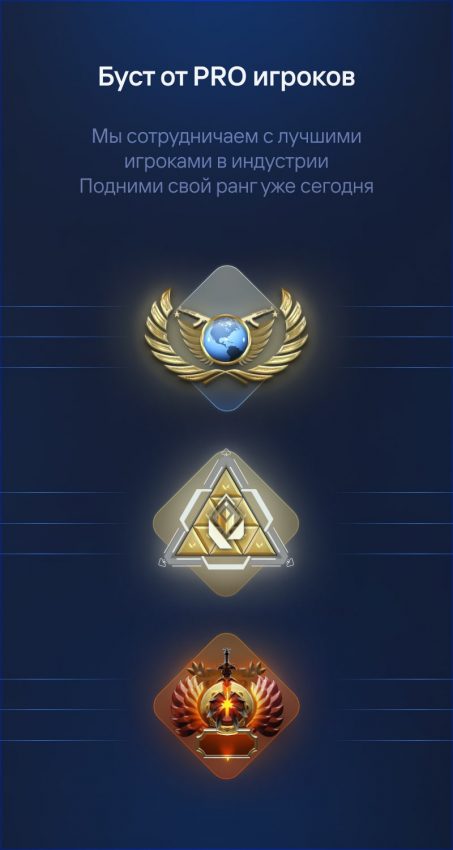
We provide guarantees for the high quality of our services, confirmed by thousands of reviews and video reviews of our service. Over the years since 2015, we have earned the trust of our clients through stable and professional results.
Our guarantees include:
By choosing FastGG, you can be confident in the safety and high quality of the services provided. We are always happy to help you and make your gaming experience unforgettable!
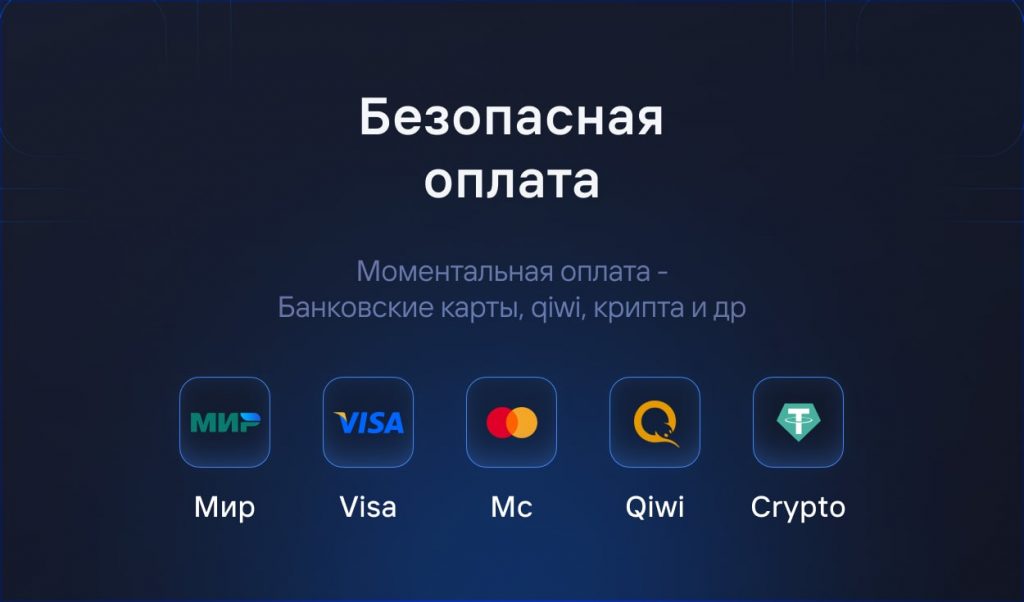
We offer a variety of convenient payment methods to make the process as simple and secure as possible for you. You can pay for our services in the following ways:
All transactions are protected and confidential, so you can be sure of the safety of your data. We strive to make the payment process as convenient and transparent as possible for our clients. If you have any questions about payment, our support team is always ready to help!
Choose FastGG for safe and reliable boosting.
A fair question! We have taken care of your account's security and offer several options to ensure its protection:
Lobby Boost:You can choose this option, and you won't need to hand over your account. You will play from your own account in a group with our performer, which guarantees the security of your data.
Advanced security measures:All our performers use modern protection methods, including:
During our service's operation, we have never received a single game ban, and we proudly state this. You can rest assured about your account's safety by trusting FastGG.
We are always happy to help and answer any questions you may have! You can contact us in several convenient ways:
For additional information and contact details, visit our "Contact Us" section. ContactsWe aim to provide quality support and consultation for all our clients.
Welcome! Please follow the simple steps to place an order for comment baiting in Steam.
Go to our official Discord server.
After activating the role, find a channel on the server called "#Support-ru or support-en".
In this channel, open a request (ticket) to add an order.
Select a topic from the drop-down menu "Scoring comments." (not Boost Rank).
Fill in all the necessary data that is requested for checkout (e.g. link to your Steam profile, number of comments, etc.).
We will quickly process your request and add your order! 😉.
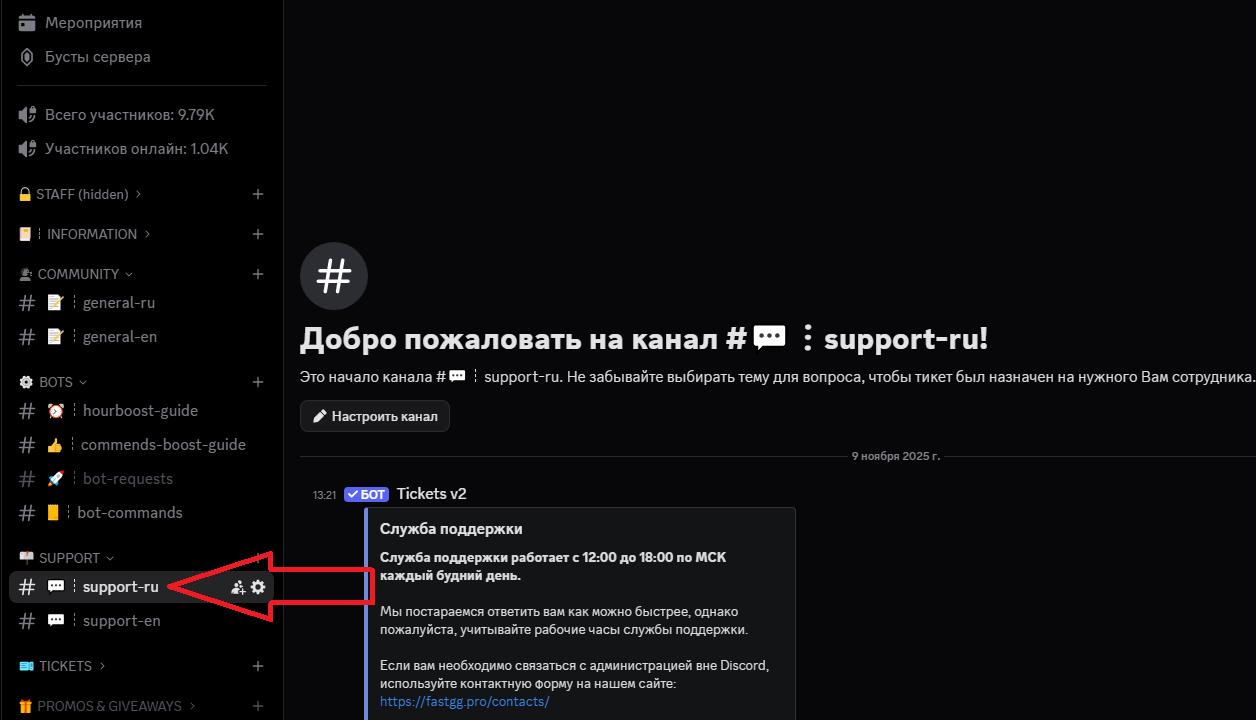
Welcome! Please follow the simple steps to place an order for a Boost in CS2 or Valorant.
Go to our official Discord server
Find a channel on the server called "#Support-ru or support-en".
In this channel, open a request (ticket) to add an order by selecting the "Boost Rank/Valorant" section.
In the created application form, fill in all necessary data that is requested for ordering (e.g. order no., etc...).
We will quickly process your request and add your order! 😉
Welcome! Please follow the simple steps to activate your key and start Steam cashback
After successful payment, you will receive an electronic check to the email address you provided.
The check will contain:
Go to the panel to control the clock boost and activate the key.
1) Going to the website - https://panel.fastgg.pro/ and register (click "sign in via Google or "Register").
2) Select the "Boost Hours" section (or from the link - https://panel.fastgg.pro/dashboard/hourboost) and in the "Activate key" field insert the key contained in the order receipt.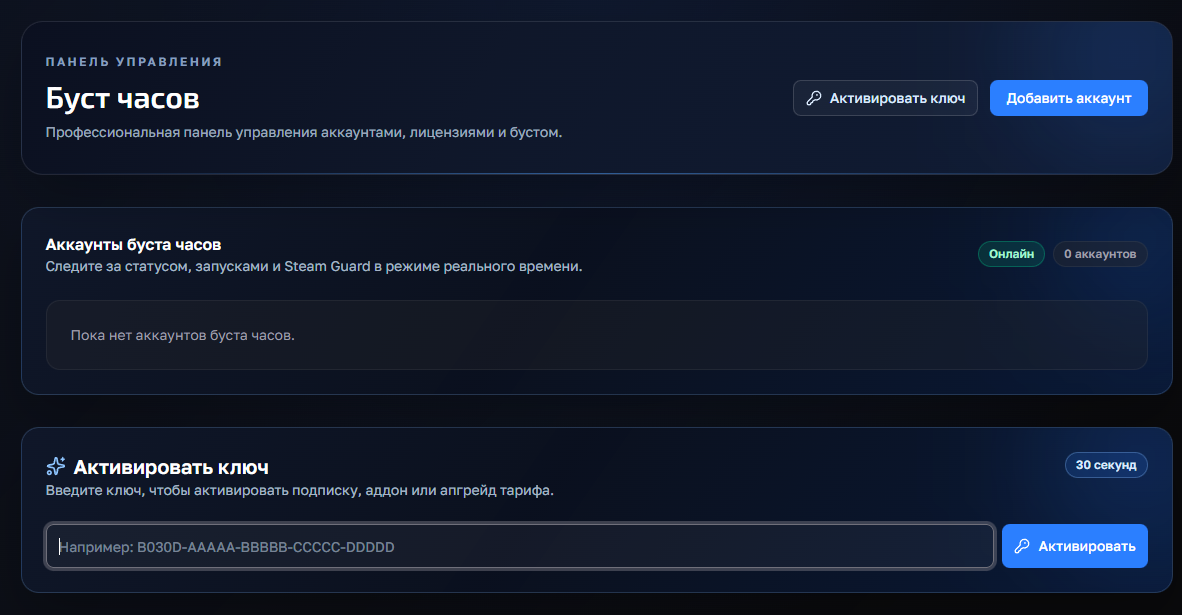
3) Click the "Add Account" button and enter your Stim Login and Password.
4) Now click on the "customize" button, inside you can enter the status (if the tariff allows) and be sure to add games to run (you can enter the names or id of the games).
5) All, click "save" and you can turn on the nakrutka button "Start", further intuitivino site will prompt when you need to enter the code to enter (from mail or on your phone), or will give an error, if there is one.
If you have any problems or questions, we recommend that you pay attention:
1. FAQ section with answers to questions - https://panel.fastgg.pro/dashboard/faq
2. Support/Ticketing system for dialog with support - https://panel.fastgg.pro/dashboard/tickets
Enter the Steam profile link you used to activate the likes.
1) Activation (via the form on this page) Enter Steam link and activation key in the form above. The key is one-time - after activation the balance will be tied to your steam account Important: log out of the CS2 server before activation.
2) Connecting to the server after activation Connect manually to our server:
connect 91.98.94.110:27015 or a second IPconnect 5.255.117.135:27015
3) Checking the current balance of likes Enter the server's chat:
!likes4) Request likes To get likes, use the command:
!likes X Y ZX - number of likes Friendly Y - number of likes Teaching Z - number of likes Leader The system will queue the request and execute in batches up to 20 / 20 / 20 every ~5 minutes until everything is completed. Examples:
!likes 300 300 300 300
!likes 0 50 0
5) Stopping the queue (if you have to leave) If you need to exit, stop the process:
!likes stopWait for confirmation of the stop, then you can exit. All the likes already credited will be saved.
Important:
If you need help - contact our support.
Welcome! Please follow the simple steps to activate the key and get likes
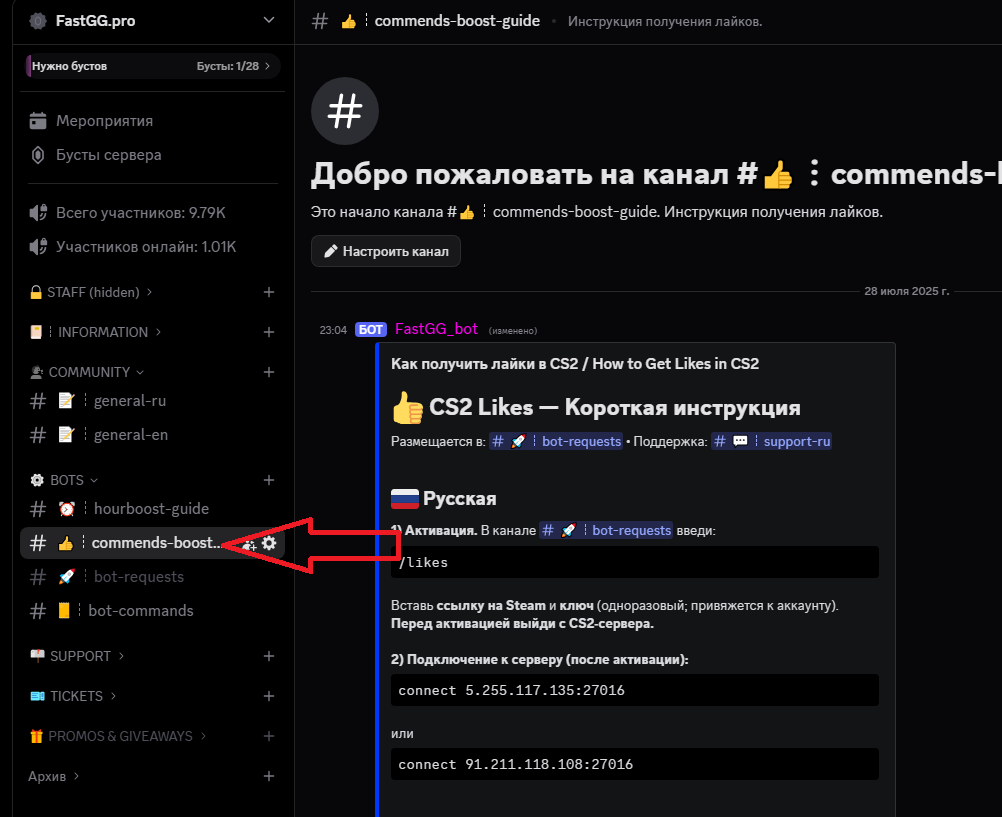
Customer support is provided at our Discord server
You can always open a ticket by selecting the subject of the request

